A holiday, not a pile.
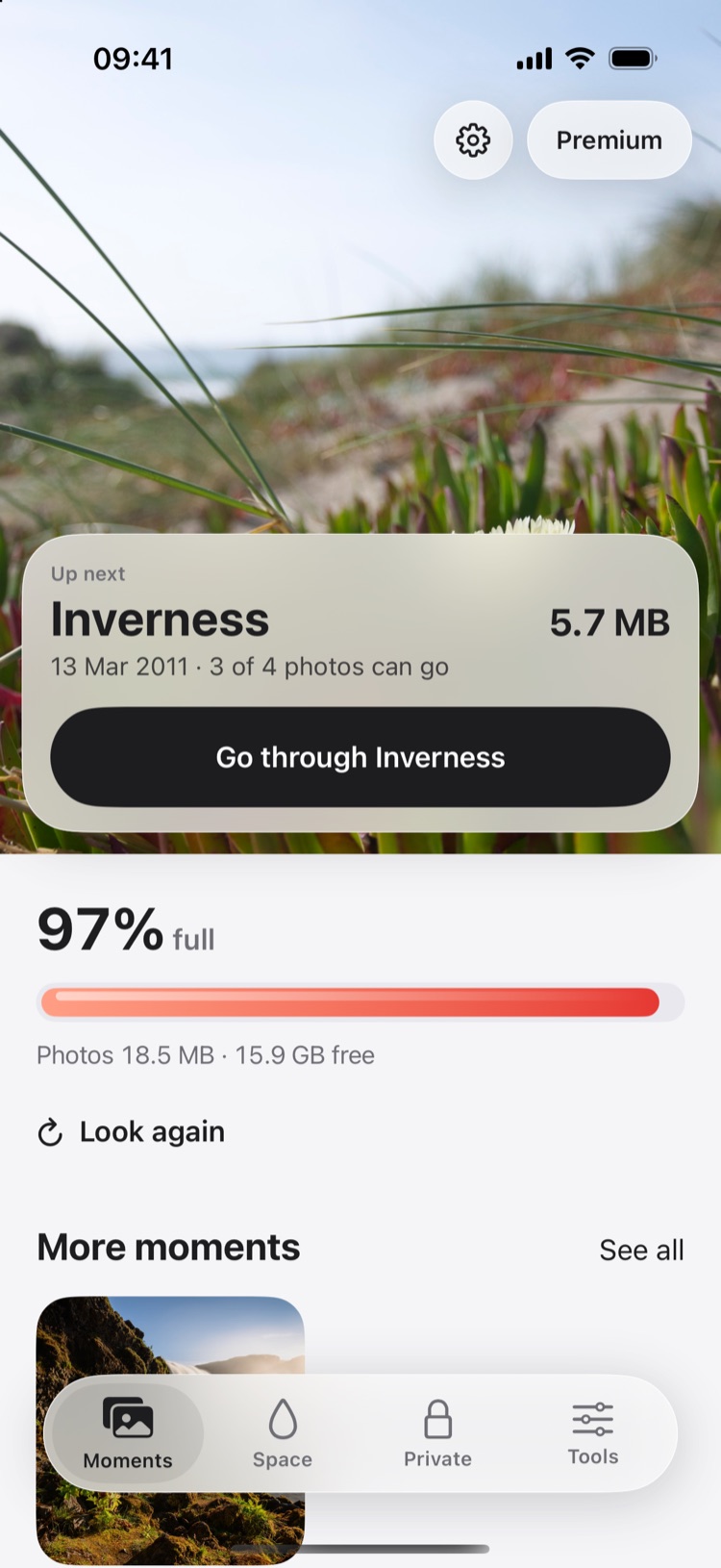
Your photos are grouped into trips and days, named after the place they were taken. Open one and go through it in a few taps.
- Heaviest moments first
- Shows how much each one frees
- Pick up where you left off
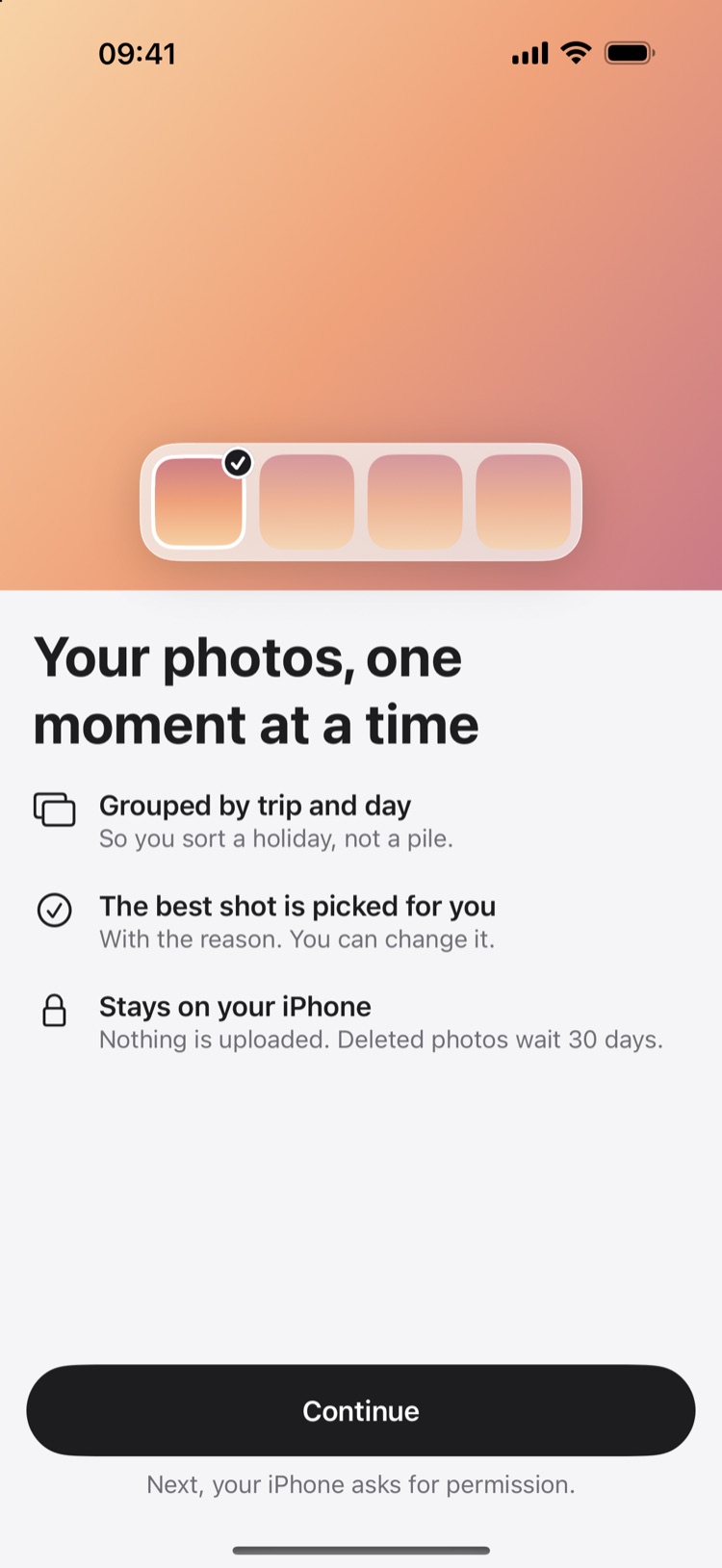
MemoryGuard groups your library by trip and day, picks the best shot of each burst, and frees space without losing a memory.
Coming soonon the App Store for iPhoneEverything runs on your iPhone. Nothing is uploaded.

Your photos are grouped into trips and days, named after the place they were taken. Open one and go through it in a few taps.

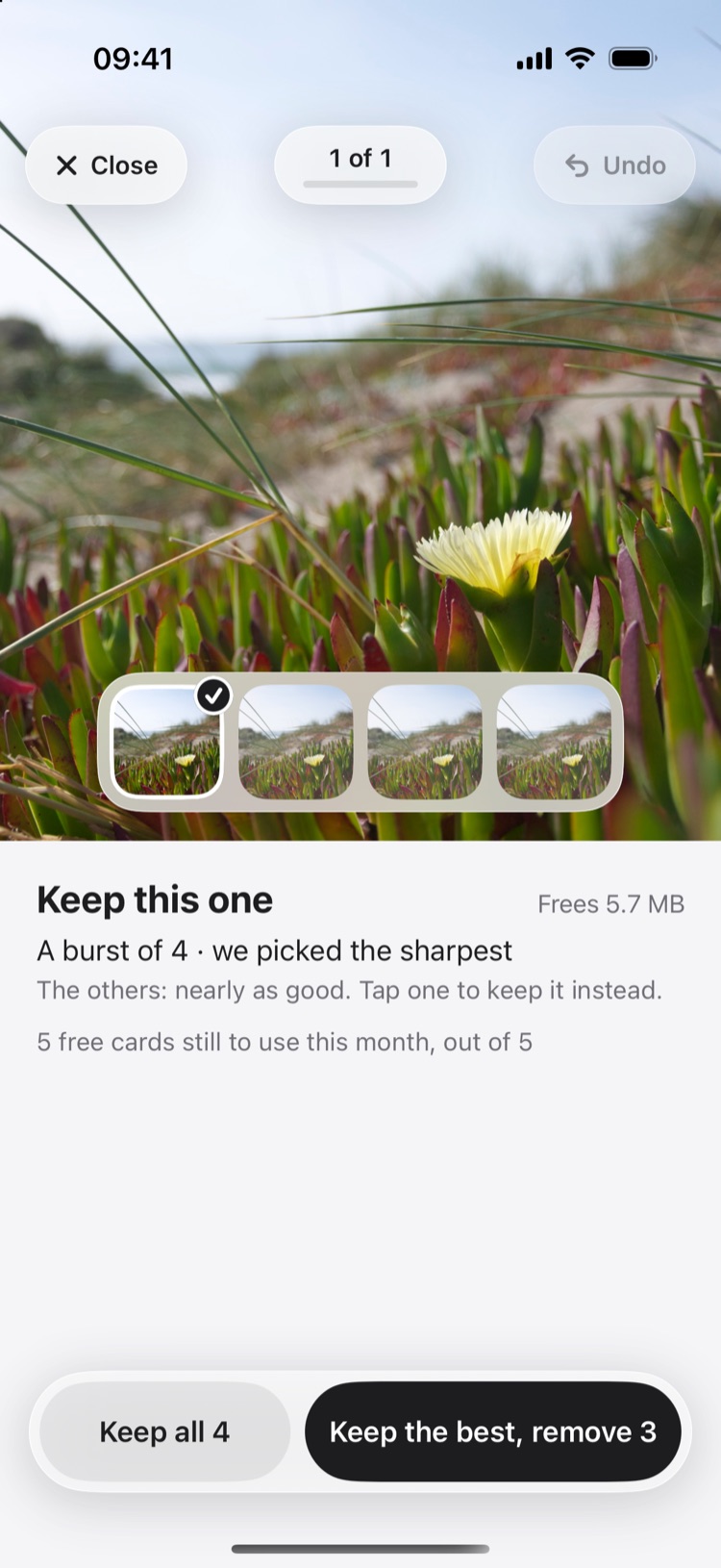
For every burst or set of near-copies, MemoryGuard keeps the sharpest one and tells you why. Don’t agree? Tap another to keep it instead.

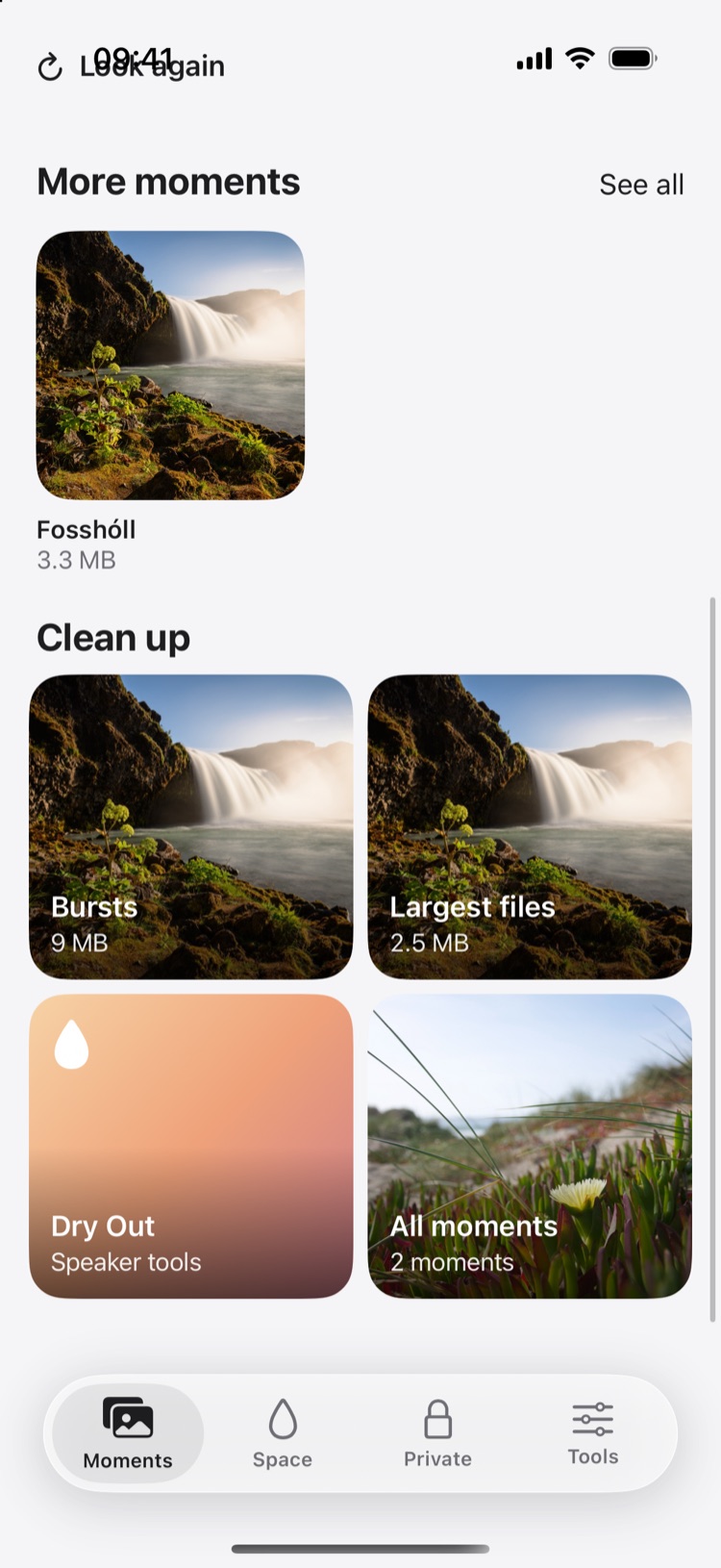
Bursts, copies, screenshots and the largest videos, each shown with your own photos and its size. Nothing is deleted until you say so.

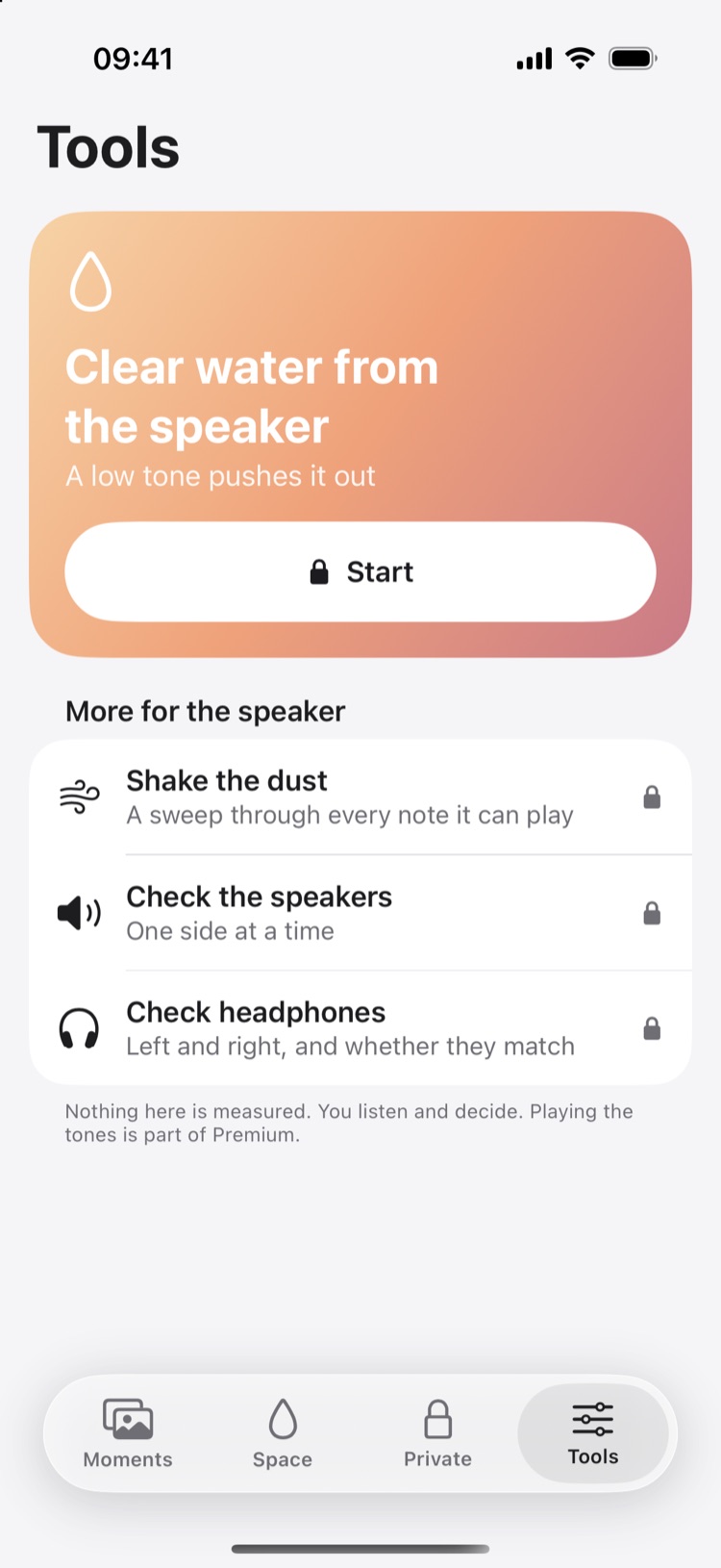
Play a low tone that helps push water out of the speaker, shake dust loose, and check each speaker and your headphones one side at a time.
Nothing is measured — you listen and decide.

Photos are analyzed on the device. No account, no uploads, no ads.
Nothing is deleted without your confirmation, and everything can be put back for 30 days.
Move photos into an encrypted vault that opens with Face ID.
No. MemoryGuard works on your iPhone. To name a place, approximate coordinates may be sent to Apple’s geocoding service — never the photo itself. See the Privacy Policy.
Deleted photos go to Recently Deleted in the Photos app and stay there for 30 days.
A few groups of photos every month are free. MemoryGuard Premium removes the limits and unlocks every tool. Prices are shown in the app.
iPhone Settings → your name → Subscriptions → MemoryGuard.